
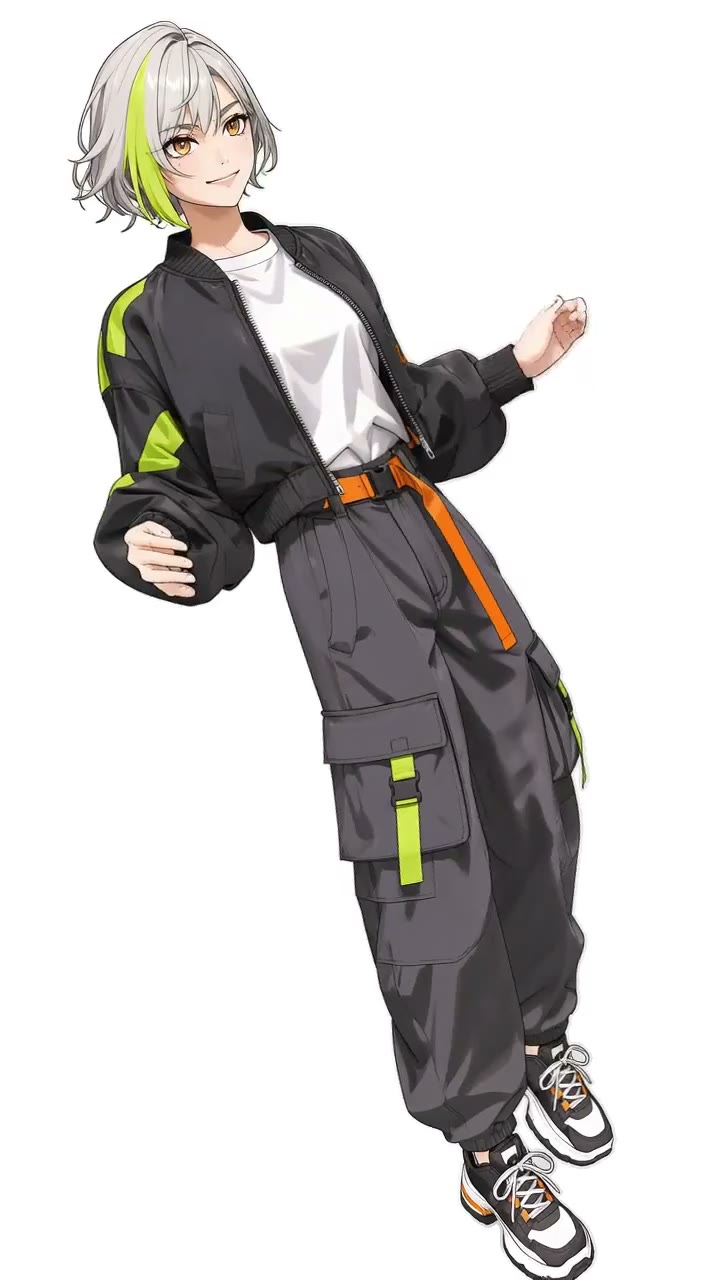
01Your face. Your outfit.
Upload one photo
Choose one sharp image with a clear face and visible clothing. Use your own photo, a consenting adult or an original adult anime character. A full-body image helps show the complete outfit.
Street issue / 001 WASSUP IN A MINUTE AI
Make your own Wassup in a Minute AI video. Upload one photo, keep your face, outfit and visual style, and follow the original sway. Get a four-second vertical clip with extra waist movement and original sound in the enhanced download. No prompt to write.
Wassup In A Minute · Photo to video
One subject, a clear face and visible outfit.
JPG, PNG or WebP · max 20 MB each · originals or consenting adults
The character in the clip is replaced with the subject in your image. Keep the image’s face, outfit and visual style, with the original sway and background. The enhanced download includes the original sound.
Loading your saved setup…
Motion reference
Motion reference · 2.5-second excerpt · @ristyisvalid; art credited to @Zayy. Your output is four seconds and vertical; the enhanced download includes the original sound.
Your finished video and download button will appear here. Save your video before starting again.
One photo. New energy.
Wassup in a Minute is the short-form anime sway edit: a streetwear character rocks from side to side in a simple frame. People searching for the AI version want to put their own face or character into that movement.
Here, one uploaded image supplies your subject’s face, outfit and visual style. The reference supplies the movement, background and camera. Make a four-second vertical clip, then download the processed version with the original sound.
See the edit by @ristyisvalid, with art credited to @Zayy, or read our photo-to-sway guide.
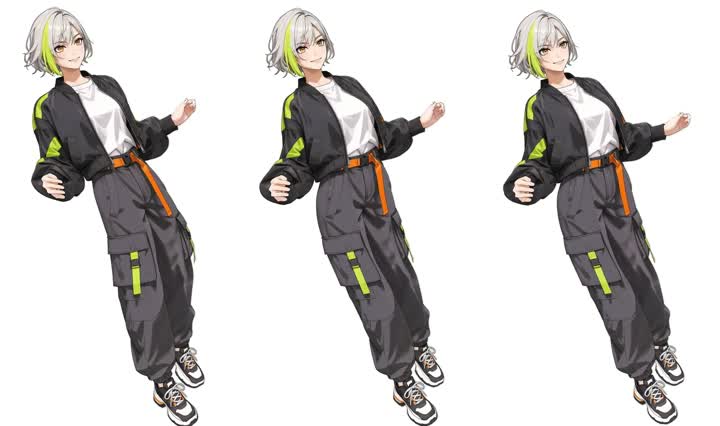
From portrait to main character
Choose one sharp image with a clear face and visible clothing. Use your own photo, a consenting adult or an original adult anime character. A full-body image helps show the complete outfit.
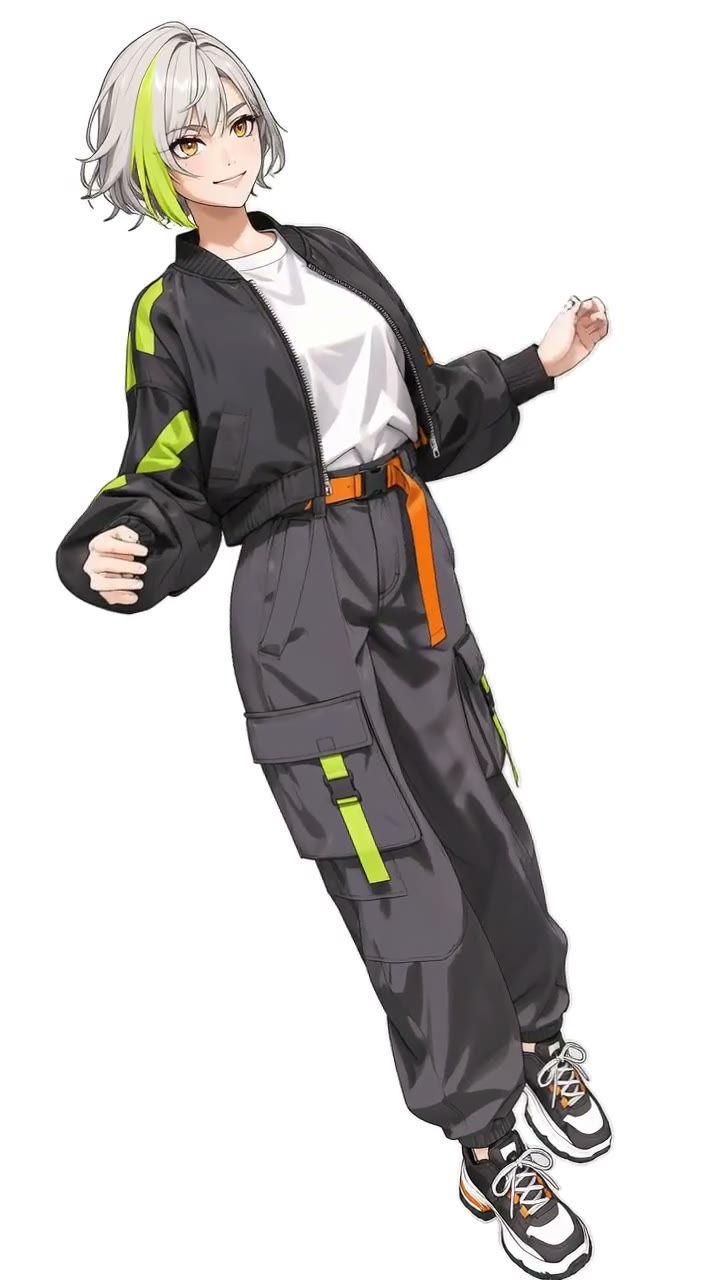
Confirm permission and review your total. The tool replaces the character in the reference with your subject in one video request. Keep the original appearance and visual style; no prompt to write.
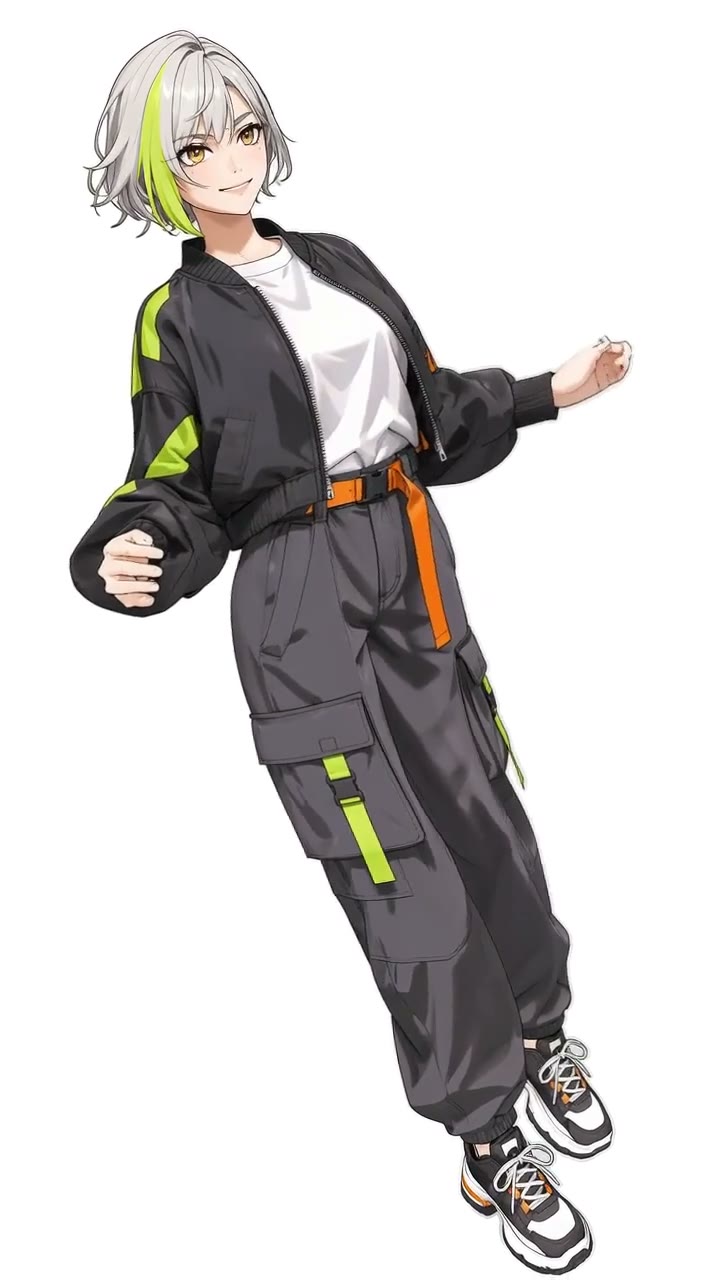
Watch the finished clip and check the face, hands and outfit. Download the 4-second, 9:16, 720p MP4 within three days, then save the processed version with the original sound.
Same sway. Different searches.
The name of the sway edit and the search to use when you want to make your own version. Start with one clear photo and a visible outfit.
A name used around streetwear-style Blue Lock fan edits. The look of those edits is distinct from this tool’s image replacement: your upload defines your own character and clothing.
An alternate spelling used to find the sound and related edits. A blue lock edit search is broader and includes clips and styles beyond this specific sway.
Explore the Atlanta Lock style and photo guide.
Credit packs
90 credits
180 credits
480 credits
950 credits
Your photo. Your questions.
The sound is commonly associated with a Jersey club remix of “From Time” by Drake with Jhené Aiko. Different uploads may use different sound versions.
Open the sound attached to the credited reference post to choose the version you want. Choose “Extra sway + sound” for the original soundtrack, or “Original · silent” for the unprocessed video.
A four-second video costs $4.99, or 40 account credits. An eligible one-use promo can fully cover a four-second video. Apply your code to check the discount. Review the displayed total before generating.
Yes. Upload one clear image of yourself, a consenting adult or an original adult anime character you have permission to use. The image supplies the face, outfit and visual style; a real photo keeps its real appearance and an anime image keeps its illustrated appearance.
Your uploaded subject replaces the character in the reference. Your image supplies the appearance while the reference supplies the movement and scene. Review the face, hands and outfit throughout the clip; generated details can vary.
Yes. Choose “Extra sway + sound” to preview and download your four-second video with the original soundtrack excerpt. “Original · silent” provides the unprocessed video.
Keep the same browser session and saved task link. Resume the existing task instead of submitting a second paid generation. Download completed videos within three days.
Wassup In A Minute is an independent tool. It is not affiliated with Blue Lock, its rights holders or any social platform. Use images and audio you have permission to use.